Selecting models
Where model choice appears in Aimogen Pro, how capability lists restrict the options, and how to pick a model for each kind of task.
Where model choice appears#
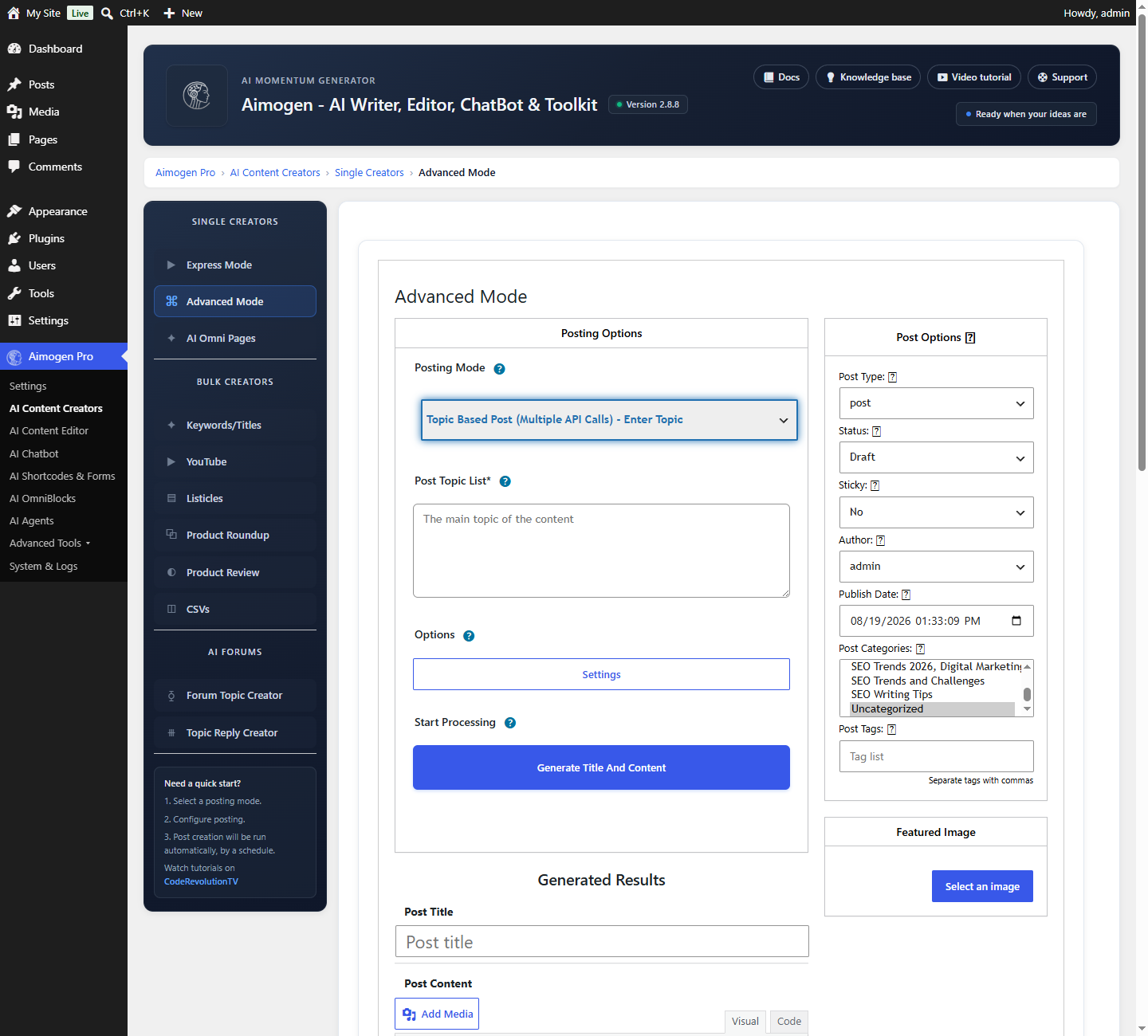
There is no single global model. Each of these has its own selector:
| Feature | Where |
|---|---|
| AI writer default | Settings › AI Writer |
| Each bulk rule, and each stage within it | The rule editor |
| Title, sections, intro, content, Q&A, conclusion, excerpt | Individually, inside the rule |
| Categories, tags, custom fields, comments, SEO fields | Individually, inside the rule |
| AI Content Editor | Per template, and per element (title, content, slug, excerpt) |
| Chatbot | AI Chatbot › Bot Configuration › Bot Model |
| Each agent | The agent editor |
| Each OmniBlock | The block parameters |
| AI Forms | Per form |
[aicontent] and the generation shortcodes | The model attribute |
| Playground | Per run |
This granularity is the point: you can draft with a cheap model and write SEO descriptions with a better one, or the reverse.
What appears in a selector#
Every selector is populated from the models of all configured providers, with the provider name
appended so you can tell gpt-5-mini from a similarly named model elsewhere.
Two things add to the list beyond the built-ins:
- Settings › Advanced AI Settings › Additional AI Model List — free-form entries stored in
aiomatic_custom_models. Use this for models newer than your plugin version, or for a custom endpoint. - Hugging Face models you registered, and Ollama models discovered from your server.
Capability lists#
The plugin maintains internal lists of which models can do what. A selector for a feature only offers models in the relevant list, which prevents a whole class of confusing runtime failures.
| Capability | Effect |
|---|---|
| Chat | The baseline. Required almost everywhere |
| Vision | Required for Enable AI Vision options and image input. Includes current OpenAI, Claude, Gemini, Grok and specific Ollama models such as llava and llama3.2-vision |
| Function calling | Required for Chatbot Extensions and AI Agents |
| Streaming | Required for progressive chatbot responses |
| Embeddings | A separate list. OpenAI text-embedding-3-*, Google gemini-embedding-*, and many Ollama models |
| Batch | OpenAI models eligible for the Batch API |
| Assistants | The subset usable with AI Assistants |
| Training | Models that can be fine-tuned |
| Realtime | gpt-realtime, gpt-realtime-mini, gpt-realtime-1.5, gpt-realtime-2 |
| Retrieval | Models supported with file search |
Agent tool-calling mode#
The agent editor has an API level tool calls checkbox that is automatically disabled when the selected model is not in the function-calling list. With it disabled the agent falls back to text-based tool parsing, which is less reliable. Choosing a tool-capable model is worth it.
Choosing a model per task#
| Task | What matters | Reasonable choice |
|---|---|---|
| Bulk article writing | Cost per post, throughput | A mid-tier model: gpt-5-mini, gemini-3.5-flash, llama-3.3-70b-versatile on Groq |
| Flagship long-form content | Quality, coherence over length | claude-opus-5, gpt-5.5-pro, gemini-3.1-pro-preview |
| Titles, excerpts, meta descriptions | Speed, cost. These are short | The cheapest capable model: gpt-5-nano, gpt-4.1-nano, gemini-2.5-flash-lite |
| Chatbot | Latency above all — visitors feel it | Groq models, gpt-5-mini, gemini-*-flash |
| Agents | Tool calling, planning, instruction following | claude-sonnet-5, gpt-5.5, grok-4.6 |
| Vision | Must be in the vision list | gpt-5.6-*, claude-sonnet-5, gemini-3.5-flash |
| Code (Snippets) | Code quality | gpt-5.3-codex, grok-build-0.1, claude-opus-5 |
| Translation | Language coverage | Any strong general model, or a dedicated service |
| Structured JSON | Instruction adherence | gpt-5.x, claude-*, with structured output guidance |
Reasoning models#
o1, o3, o4-mini, sonar-reasoning, grok-4.20-0309-reasoning and similar spend hidden tokens
thinking first.
- Slower, sometimes several times slower
- More expensive, since reasoning tokens are billed
- Better on analysis, planning and multi-step problems
- Rarely worth it for straightforward article prose
If a reasoning model times out, raise PHP max_execution_time and the plugin request timeout. See
Errors, retries and timeouts.
When a model disappears#
Each release removes retired models. A rule referencing one fails with model_not_found,
has been deprecated or no longer available.
To fix: open the affected rule, chatbot or agent and choose a current model. If you need the exact old identifier temporarily, add it under Additional AI Model List — but if the provider retired it, the request will still fail. The removal reflects the provider decision, not a plugin restriction.
To avoid being caught out, keep Reliability Mode on with a fallback list. A retired model is classified as a model error and the next fallback takes over.
Related#
Still stuck? Open a support ticket and include the diagnostics from Aimogen Pro › System & Logs › System Info.