Activation and licensing
How to activate an Aimogen Pro licence with a purchase code, what the activation states mean, how to revoke a licence when moving sites, and what happens without activation.
Aimogen Pro is commercial software. Almost every feature screen and the built-in updater require an activated licence tied to this site.
Activate#
- Go to Aimogen Pro › Settings. Before activation the only tab is Activation.
- Paste your purchase code into the field.
- Select Activate.
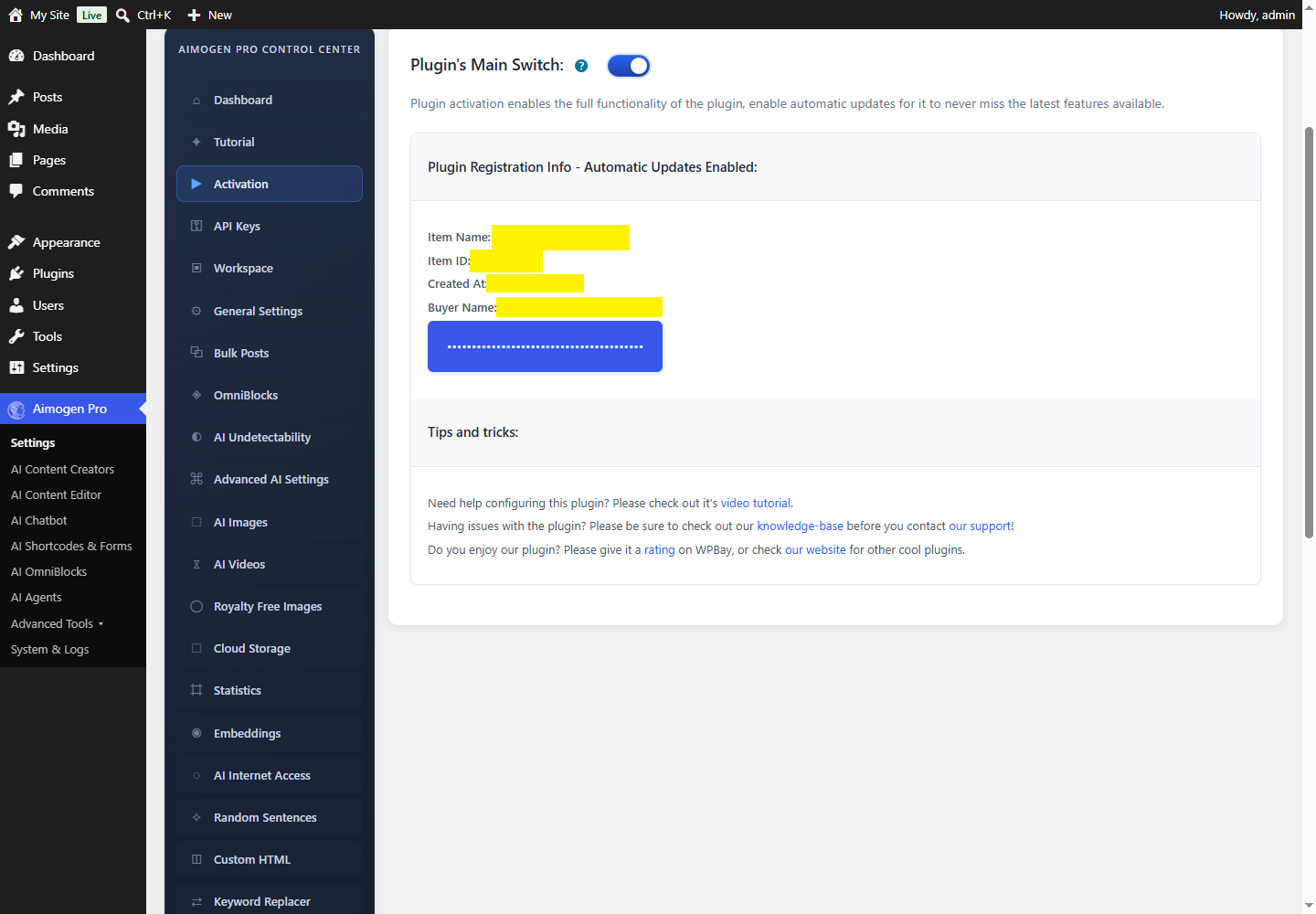
The plugin sends the code to the CodeRevolution verification service, and on success stores a registration record in the WordPress options table. On multisite, the record is written to the main site so it covers the whole network.
Which purchase code do I have?#
Two formats are accepted, and both remain valid:
| Format | Example shape | Origin |
|---|---|---|
| WPBay | ABCD1234-EFGH5678-IJKL9012-MNOP3456 | Bought on WPBay |
| Envato | 8charact-xxxx-xxxx-xxxx-12charactersx | Bought when the plugin was sold as Aiomatic on Envato |
Envato-format codes still activate. See Migrating from Aiomatic if you hold a legacy code and want to move it to WPBay.
Activation states#
The plugin distinguishes several states internally. Knowing which one you are in makes the admin notices much easier to read.
| State | What you see | Meaning |
|---|---|---|
| Activated | Full menu, "The plugin is registered correctly", Revoke License button | Normal operation |
| Not activated | Only the Activation tab; a persistent admin notice; a row under the plugin on Plugins | No valid registration record |
| Demo mode | "The plugin is in DEMO Mode, no registration is required" | The install is recognised as a demo server |
| Licence expiring | A warning banner with the expiry date | Support and update window is ending |
| Migration notice | A banner pointing at the WPBay migration page | A legacy code was detected inside the migration window |
What works without a licence#
- The plugin activates, creates its tables and registers its post types.
- The Activation screen is available.
- Automatic updates are disabled, and WordPress shows a note under the plugin row on Plugins.
- The feature screens are not offered.
If you see "The Aimogen plugin licence is not activated" after entering a code, work through Licensing and update problems.
Moving a licence to another site#
A licence covers a fixed number of sites. Before you move one, revoke it on the site you are leaving, otherwise the seat stays consumed.
- On the old site, open Aimogen Pro › Settings › Activation.
- Select Revoke License and confirm.
- On the new site, activate with the same purchase code.
Revoking clears the local registration record and releases the seat on the licensing service. It also resets the setup wizard flag, so the Quick Setup Wizard runs again on the next admin visit. Revoking does not delete settings, generated posts or logs.
Staging and development sites#
Activate staging sites with the same code only if your licence tier has a spare seat. If you run a short-lived staging copy, revoke the licence there before deleting it.
Some hosts expose staging under a temporary domain that changes on every rebuild. In that case, treat the staging site as unlicensed and test with the parts of the plugin that do not require activation, or allocate a dedicated seat.
Licence renewals#
The licence record stores a supported_until date. When that date approaches, the Activation screen
shows an expiry warning. An expired support window does not switch the plugin off — existing
functionality keeps running — but it stops new updates from being offered.
Next: The Quick Setup Wizard.
Still stuck? Open a support ticket and include the diagnostics from Aimogen Pro › System & Logs › System Info.