AI Batch Requests
Using the OpenAI Batch API through Aimogen Pro for asynchronous bulk generation at roughly half price.
The OpenAI Batch API processes large numbers of requests asynchronously, at roughly half the price of synchronous calls, with results returned within 24 hours.
Advanced Tools › AI Batch Requests
This tutorial was recorded before Aiomatic was renamed to Aimogen Pro. Some labels or interface elements may differ slightly from the current version.
Requirements#
An OpenAI API key. Azure works with a Batch deployment configured — see Microsoft Azure OpenAI.
When it is worth it#
Good for
- Generating a large backlog of content where a day of latency does not matter
- Classifying or labelling a large dataset
- Bulk summarisation or extraction over an archive
- Anything where the 50% discount is meaningful at your volume
Not for
- Anything interactive
- Anything scheduled to publish soon
- Small volumes, where the extra workflow is not worth the saving
The workflow#
- Batch File Generator builds the JSONL file of requests.
- Add New AI Batch Request uploads it and submits the batch.
- OpenAI processes it, within 24 hours.
- Check On OpenAI polls the status.
- Results are downloaded and available.
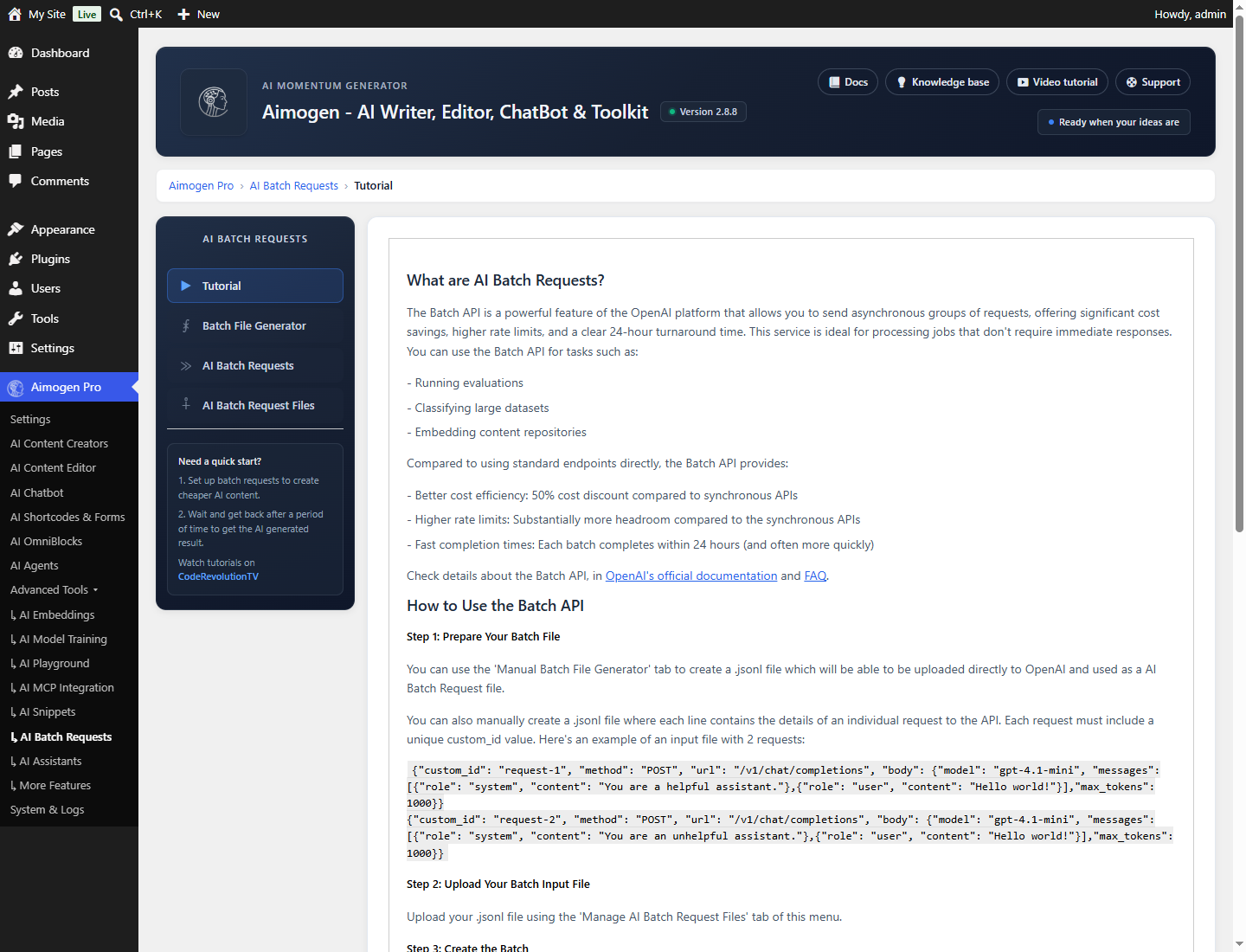
The input file#
The Batch API takes a JSONL file — one JSON request per line. The Batch File Generator builds it for you, and the screen explains the format for hand-built files.
Tabs#
| Tab | Purpose |
|---|---|
| Batch File Generator | Build the JSONL input |
| AI Batch Requests | Submit, monitor and retrieve batches |
| AI Batch Request Files | Manage uploaded and result files |
Batches are stored as aiomatic_batches posts.
Models#
Not every model is eligible. The plugin maintains a batch-eligible list covering the GPT-5, GPT-4.x, GPT-4o and o-series families, plus embedding models.
Practical guidance#
Upload limits matter. The screen notes that PHP upload limits may need raising for larger datasets. See Recommended server configuration.
Batches can fail partially. Individual requests within a batch can fail while others succeed. Check the results file, not just the batch status.
24 hours is the ceiling, not the norm. Batches often complete much sooner, but plan for the ceiling.
The discount is on token cost only. It does not change how many tokens you use.
Common problems#
The screen is unavailable. No OpenAI key.
Upload fails. PHP upload_max_filesize or post_max_size too low.
The batch is stuck at in-progress. Normal. Use Check On OpenAI rather than waiting on the page.
Some results are missing. Individual requests failed. The results file records per-request errors.
Related#
Still stuck? Open a support ticket and include the diagnostics from Aimogen Pro › System & Logs › System Info.