wordpress
Update URLs When Moving a WordPress Site to a New Domain

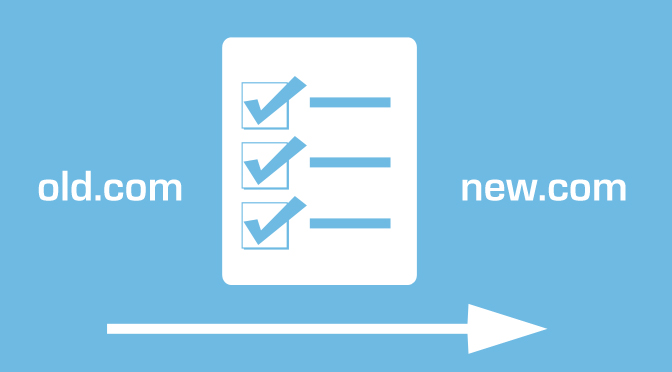
If you want to update URLs of your WordPress Website after moving then you have to read this article. Updating URLs manually for each post or page is one of the difficult tasks. It takes your valuable time. Here, we have provided the steps to updating URLs when moving WordPress site easily. Follow those instructions and Update old URLs of your WordPress site to new URLs.
Updating URLs when Moving a WordPress Website
If you moved your WordPress site to a new domain name, then you have to change the address of WordPress and site URL by visiting settings page in WordPress.This does not change the website URLs that you have added on your pages and posts previously. It also does not change the URLs of pictures you have added to your WordPress site.
This content is locked
You must be logged in and have an active premium membership to view the rest of this content.
Learn more about site membership, here.








You must be logged in to post a comment Login