Check Plugin Documentation
Get started quickly with our comprehensive guides
Take just a moment please before we begin
Before we begin, please read the Envato Affiliate Program quick introduction and the Envato Affiliate Program Terms of Service.
Other useful links:
I also added in the zip file you just downloaded a folder named “ref_banners”, which is full of referral banners to Envato Marketplaces. Use them wisely!
So… let’s begin!
This plugin will allow you to build from scratch an affiliate marketing referral website for Envato Marketplaces.
This plugin provides one solution to the ongoing search for new referral content. It not only provides a steady stream of rich, searchable content, it also helps to keep your website up to date with the latest news from the Envato Markets. You can build rules that will generate posts that are NOT to unique in website crawlers’s eyes, so additional editing might be necessary.
WordPress installation
Youtube video tutorial:
I also provided a Quick Install Guide to feature an easy plugin installation for everyone.
To make this plugin work, first, you’ll need to install the plugin. The easiest method is to take the .zip file you’ve downloaded and upload it via Plugins > Add New > Upload Plugin in the WordPress Dashboard. Once the plugin is installed, be sure to Activate it.
Now that you’ve installed and activated the plugin, you’ll see a new menu item created inside WordPress called ‘Cash Alert’. First thing first, let’s head over to Settings > Cash Alert and take a look at what options are available.
Plugin Settings
Refreshingly, Cash Alert plugin has a super-simple settings screen. Let’s look at first at the settings panel:
Here you can find the steps needed in configuring your plugin even if you have no HTML knowledge at all. You can find options for:
HINT! Don’t forget to click the Save button every time you modified your settings, otherwise the modifications will be lost!
Add New Importer:
- Referral username (Envato account): The Envato user name you wish to use as the referral user name.
- Envato Authorization Token: Get your token HERE. Just choose the token name, accept the terms and click ‘Create Token’ (no additional token rights are required).
- Select Marketplace: Select from which Envato Marketplace you wish to import items.
- Maximum Results At Once: Maximum number of posts to publish at once.
- Marketplace Category: marketplace category from where to import posts.
- Schedule: How oftern should importing automatically run (hours)?
- Active thread Do you want to activate automatic importing?
- Post Status: Set the post status for published posts.
- Categories Generation: Select the categories to assign to generated posts
- Tags Generation: Select the tags to assign to generated posts
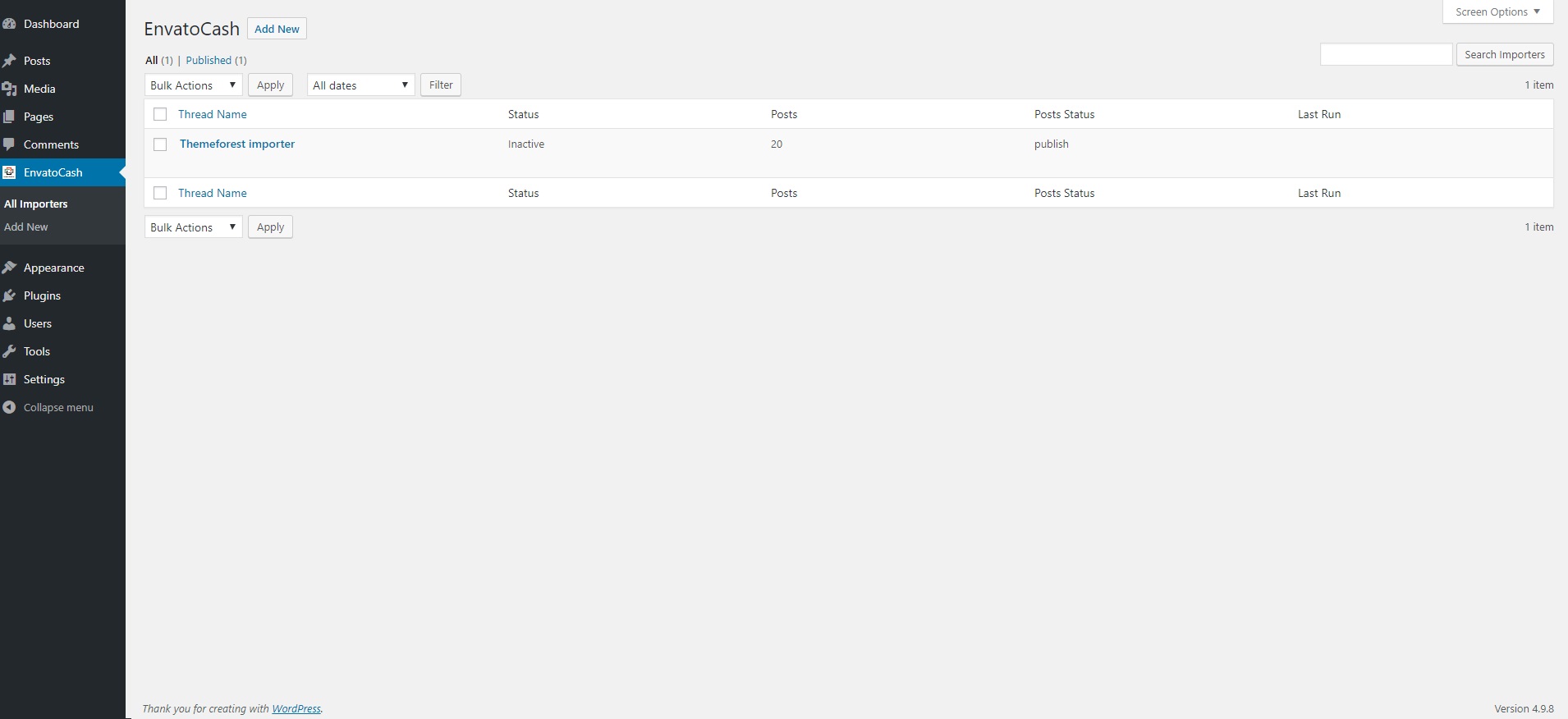
Now you can head to the ‘All Importers’ menu and hit ‘Run Now’ for the created importer, to start it instantly. Posts will appears short after on your blog.
Summary
Cash Alert plugin is a simple, yet powerful tool you can use to create a profitable affiliate marketing webpage. The setup and settings of the plugin couldn’t have been easier. Now, let’s go and enjoy the results of this great plugin! Have fun using it!
Sources and Credits
For more information and support contact us at support@wpinitiate.com
Once again, thank you so much for purchasing this item. As I said at the beginning, I’d be glad to help you if you have any questions regarding this plugin and I’ll do my best to assist.