How to find your purchase code
- Log into your Envato Market account.
- Hover the mouse over your username at the top of the screen.
- Click ‘Downloads’ from the drop down menu.`
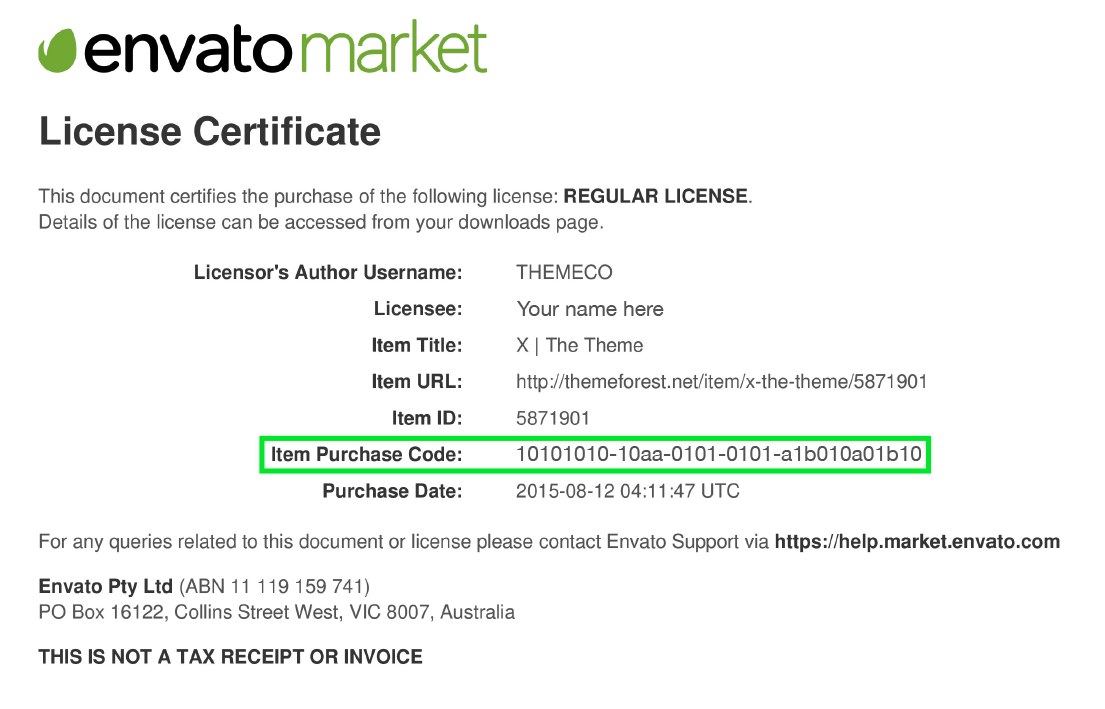
- Click ‘License certificate & purchase code’ (available as PDF or text file).
Important: If you purchased a plugin bundle, please enter the bundle’s purchase code, in each bundled plugin’s registration process.
Here is an example of a PDF License certificate and purchase code: